
IPTV Smarters Pro Setup Guide: Step-by-Step for UK Users
⚡ Quick Answer
Learn how to install and configure IPTV Smarters Pro on any device. The ultimate best IPTV player tutorial for Xtream Codes and M3U playlists.
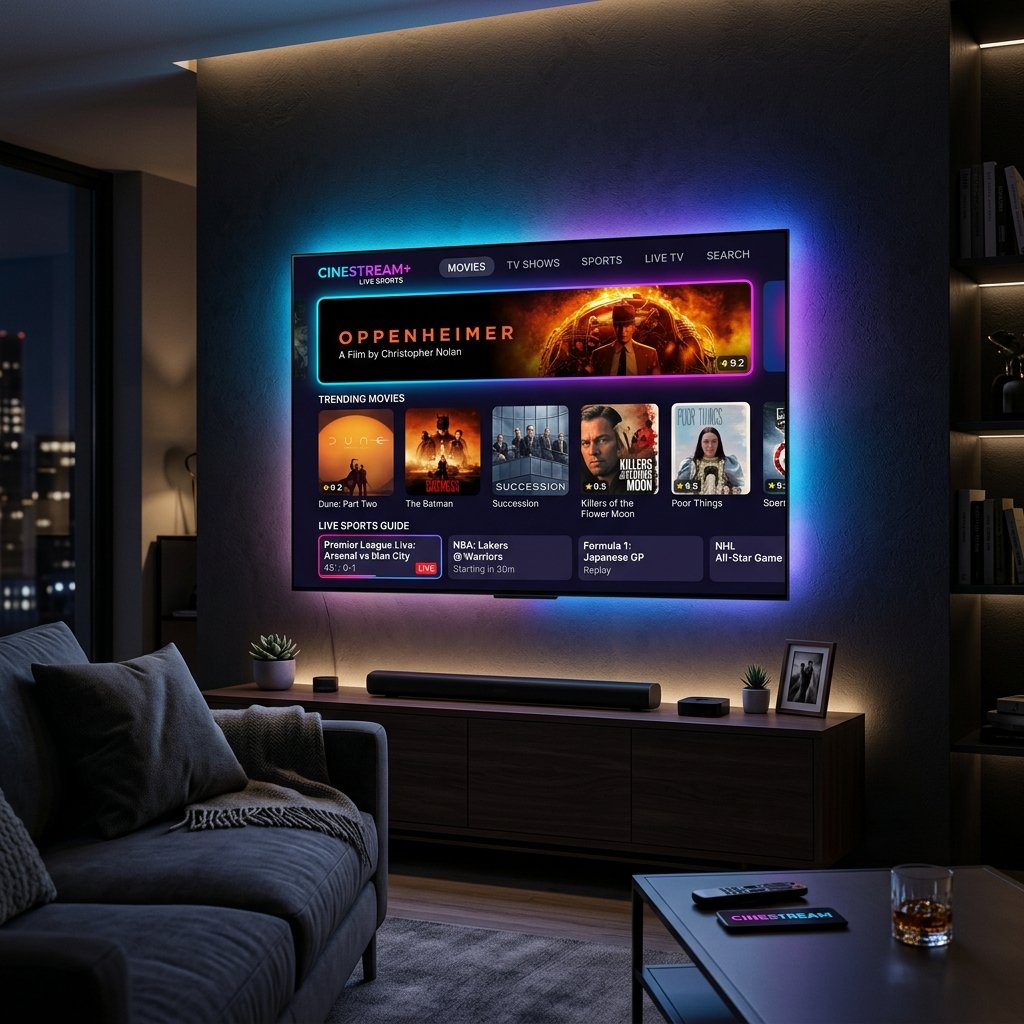
IPTV Smarters Pro Setup Guide: Step-by-Step for UK Users
If you are exploring the world of IPTV, you will undoubtedly hear about IPTV Smarters Pro. Widely regarded as the best IPTV player on the market, it offers an incredibly user-friendly interface that mimics a traditional cable box layout. This guide will walk you through setting it up perfectly so you can get the most out of your best IPTV UK subscription.
What is IPTV Smarters Pro?
It is important to understand that IPTV Smarters Pro is just a media player—it does not provide any live channels or movies itself. Instead, you need an active cheap IPTV subscription to log into the app. Once connected, the app elegantly organizes your provider's streams into Live TV, Movies, Series, and Catch-Up sections.
Step 1: Installation on Your Device
The installation method depends on your hardware:
- Amazon Firestick: Since it's not on the official Appstore, you must sideload it using the 'Downloader' app. This is why many seek out the best IPTV for Firestick setup guides.
- Android TV / Nvidia Shield: You can download it directly from the Google Play Store.
- Smart TVs (LG/Samsung): It is usually available directly in your TV's native app store. Just search for "Smarters Player Lite".
Step 2: Connecting via Xtream Codes API
Once installed, open the app and select "Login with Xtream Codes API" (highly recommended over M3U playlists as it loads the EPG instantly). You will need four pieces of information provided by your IPTV provider: Any Name, Username, Password, and Portal URL. Enter these precisely as provided.
Step 3: Optimizing Player Settings for Zero Buffering
To ensure a flawless viewing experience, especially when watching 3PM Premier League matches, navigate to the Settings gear icon. Select 'Player Settings' and ensure that Hardware Decoding is enabled. This forces your device's GPU to process the heavy 4K video feeds, drastically reducing lag. Still experiencing issues? Check our guide on the best VPN for IPTV to prevent ISP throttling.
James has spent over 8 years reviewing streaming technology, IPTV services, and cord-cutting solutions for UK audiences. He specialises in device compatibility, network optimisation, and helping readers get the most from their streaming subscriptions.
📚 Related Articles
Ready to experience the best IPTV UK?
Stop buffering and start watching. Claim your free 6-hour trial today.