
IPTV on Firestick 4K: The Ultimate Setup Guide for 2026
⚡ Quick Answer
Transform your Amazon Firestick into the ultimate media powerhouse. Learn the best settings to prevent buffering when streaming live UK sports.
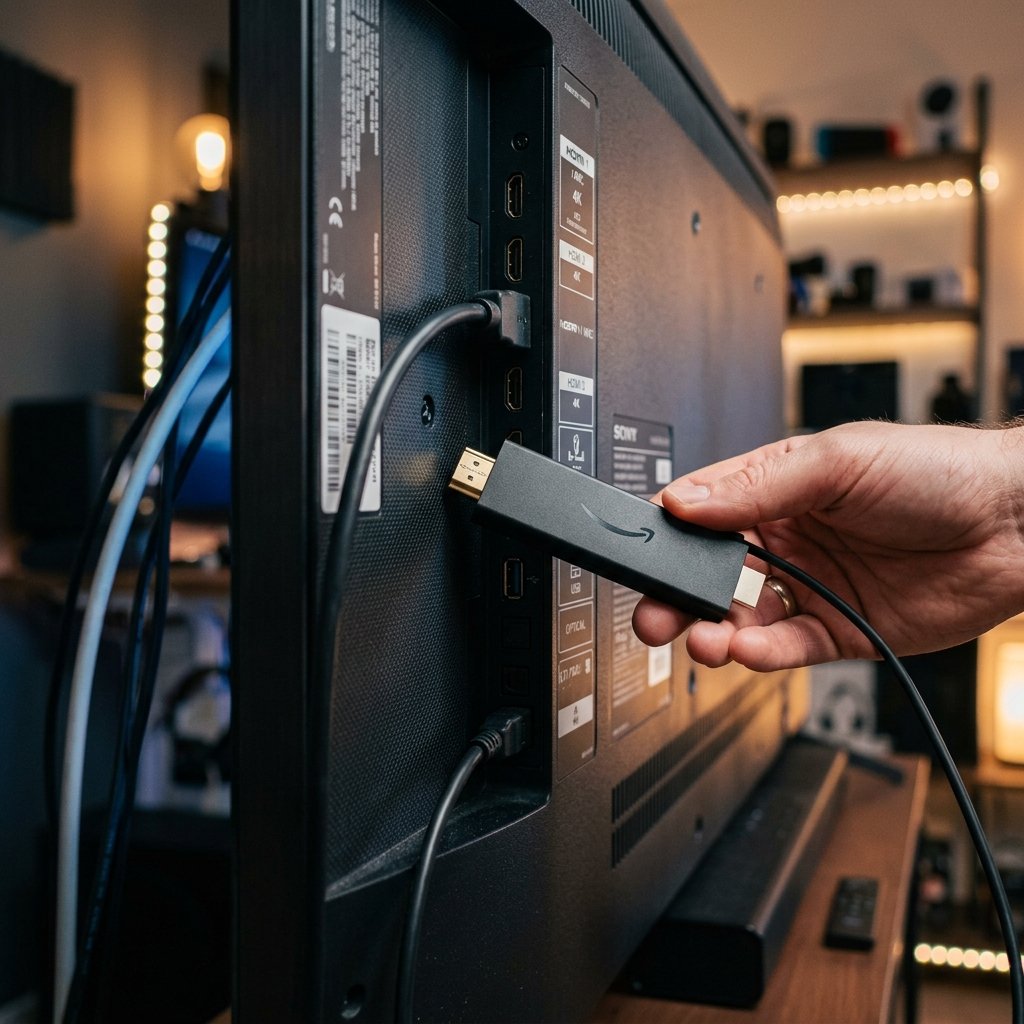
IPTV on Firestick 4K: The Ultimate Setup Guide for 2026
The Amazon Fire TV Stick 4K Max is widely considered the undisputed champion of budget streaming devices. Thanks to its powerful processor and Android-based operating system, it provides the perfect foundation for a flawless streaming experience. If you are looking for the absolute best IPTV for Firestick setup, this comprehensive guide will walk you through sideloading and optimizing your device.
Why the Firestick Dominates IPTV
Smart TVs often lack the processing power required to decode heavy 4K sports streams, leading to annoying micro-stutters. The Firestick 4K Max solves this. Furthermore, because it runs on Fire OS (a fork of Android), it allows you to install the best IPTV player applications that are not natively available on official app stores, unlocking massive potential for your cheap IPTV subscription.
Step 1: Enabling Sideloading (Unknown Sources)
Before installing any third-party IPTV application, you must configure your Firestick permissions:
- From the Home screen, navigate to the Settings gear icon.
- Select My Fire TV > Developer Options. (If you don't see this, go to 'About', click your device name 7 times to unlock it).
- Turn ON Apps from Unknown Sources.
Step 2: Installing the Downloader App
Next, use the Alexa voice remote or search bar to find an app called "Downloader". Install it. This tool allows you to type in direct download codes for premium apps like TiviMate or IPTV Smarters.
Step 3: Stopping Buffering on Firestick
If you are experiencing buffering during 3PM Premier League matches, it is rarely the device's fault. First, clear the cache of your IPTV app by going to Settings > Applications > Manage Installed Applications. Second, ensure you are utilizing the best VPN for IPTV to stop your internet provider from throttling your bandwidth. Finally, test a secondary server by grabbing an IPTV free trial UK.
James has spent over 8 years reviewing streaming technology, IPTV services, and cord-cutting solutions for UK audiences. He specialises in device compatibility, network optimisation, and helping readers get the most from their streaming subscriptions.
📚 Related Articles
Ready to experience the best IPTV UK?
Stop buffering and start watching. Claim your free 6-hour trial today.